


Reminders that ring on time.
Laterbell is a calm, friendly reminder app for one-time and repeating reminders. Private, offline, and built to actually go off.
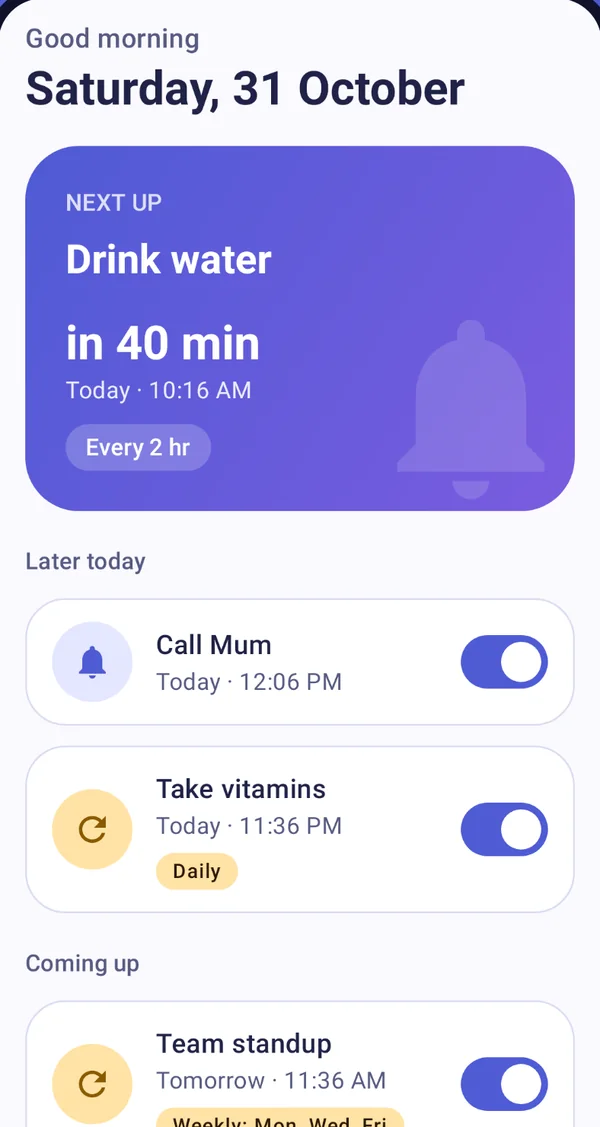
Everything you need to remember. Nothing you don't.
Built around one promise: when you set a reminder, it rings.
A calm Today screen
See what is next at a glance, what needs attention, and what is coming up. Large touch targets and screen-reader labels throughout.
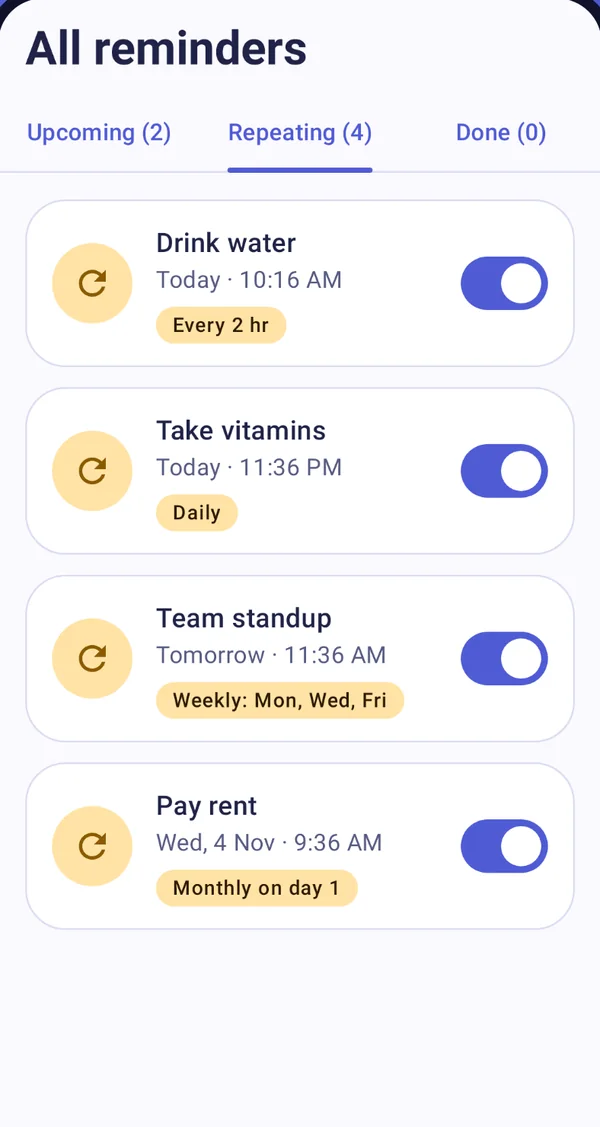
One-time or repeating
Every few minutes or hours, daily, on chosen weekdays, or monthly.

Done or Snooze, instantly
Act from the notification without opening the app. Snooze 5, 10 or 30 minutes.
Set one in seconds
Pick an idea or type your own, choose a time, done.
Light and dark
Follows your phone, easy on the eyes at night.
Private by design
Everything is stored on your phone. Laterbell cannot go online because it does not request the internet permission.
Built to actually ring
Reminder apps are only useful if they fire. Laterbell is engineered around that.
A look inside
Clean, large and easy to use, from the very first launch.
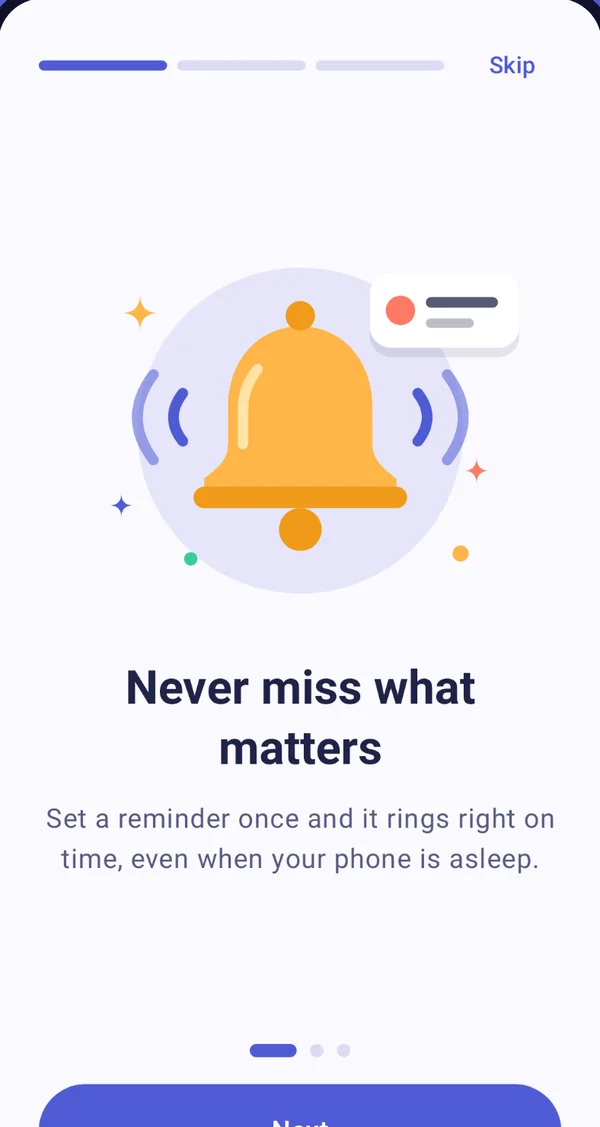
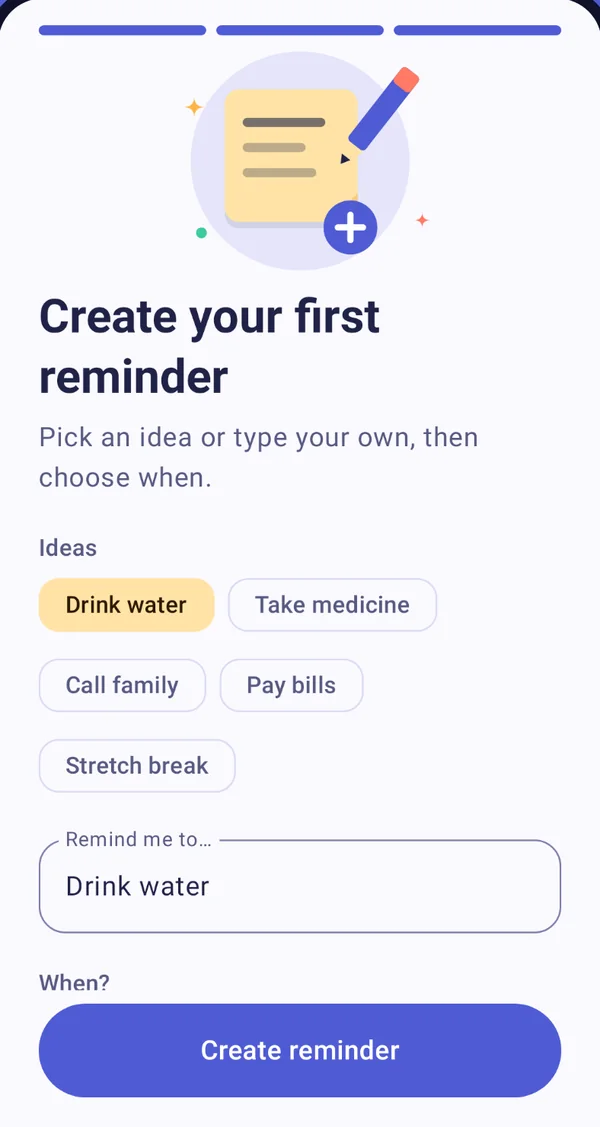
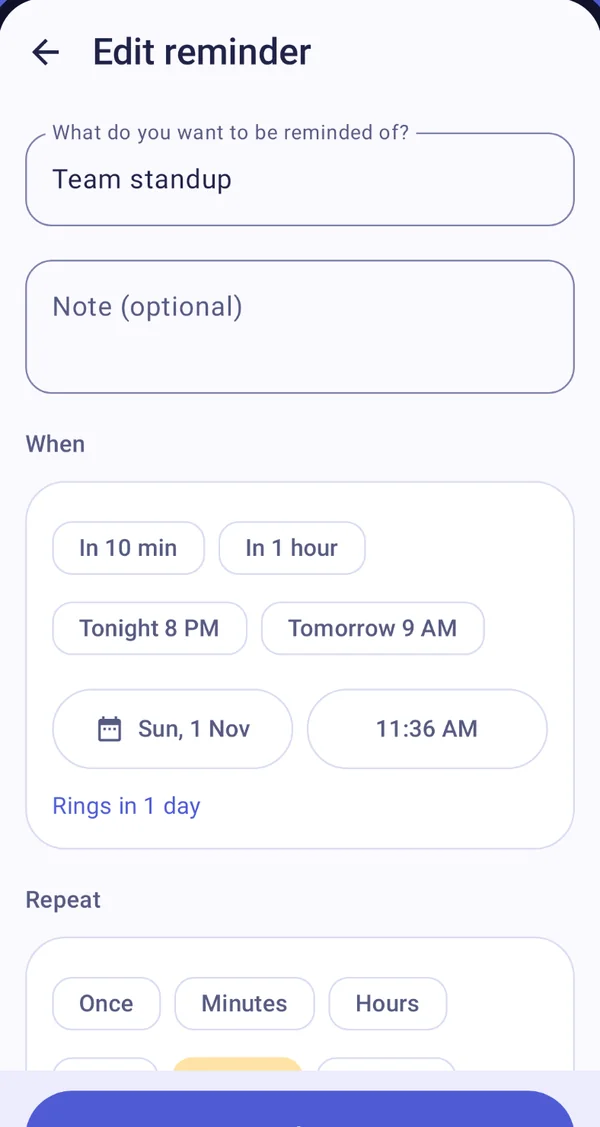
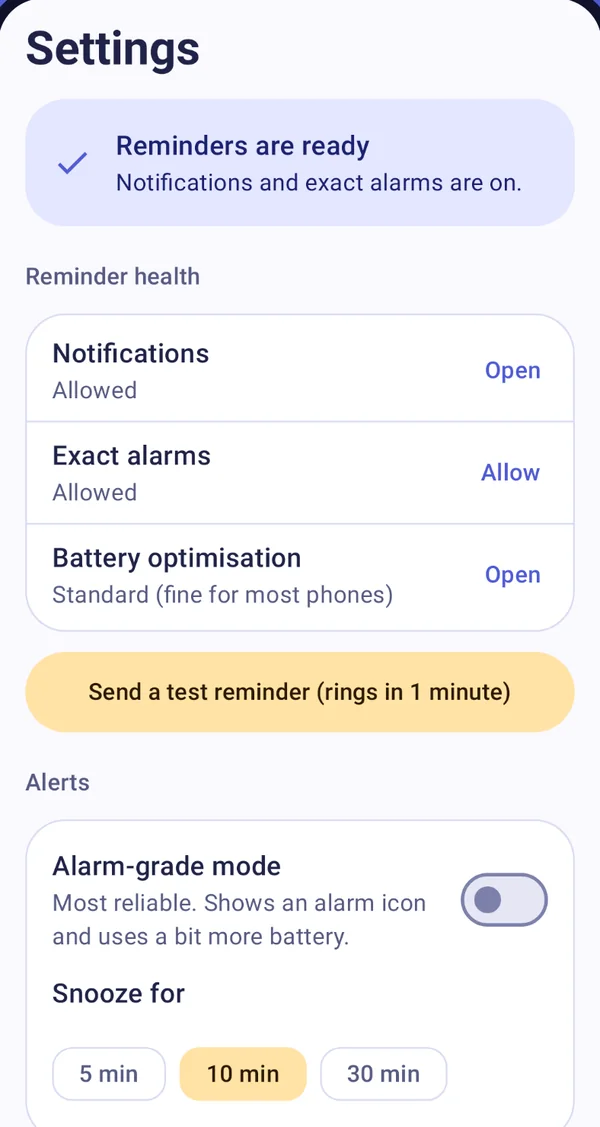
Your first reminder in three taps
A short guided start takes care of permissions and sets one up for you.
- Say helloThree short screens explain what the app does and that nothing leaves your phone.
- Allow two thingsNotifications to show reminders, and Alarms & reminders to ring on the minute.
- Pick and goChoose an idea and a time. A minute later, watch it ring and try Done and Snooze.
Your reminders are yours
Laterbell has no account system, no ads, no analytics and no tracking. Everything is stored on your phone only.
The facts
Straight answers about what the app is and what it can access.
- Platform
- Android 8.0 (Oreo) and newer
- Price
- Free, no ads, no in-app purchases
- Account
- None required
- Internet
- Not requested. The app cannot go online.
- Permissions
- Notifications, Alarms & reminders (exact alarms), run at startup, vibration
- Developer
- Mairo Labs
- Support
- support@mairolabs.com
Questions, answered
Why does it ask for Alarms & reminders?
Laterbell uses Android's exact-alarm permission only to ring at the minute you chose. If you decline, reminders still work, but Android may delay them by several minutes.
Does it work offline?
Yes. It never connects to the internet and does not even request the internet permission.
What happens after I restart my phone or update the app?
Your reminders are kept and set again automatically, even before you first unlock the phone after a restart.
Can I move to a new phone?
If Google backup is on, Android can restore your reminders and settings when you set up a new phone. Open the app once after restoring so it can set the alarms again.
Reminders are late or missing on my phone
Some brands stop background alarms to save battery. Open Settings in the app: the health check shows what to fix and a button sends a test reminder in one minute. Set the app's battery to No restrictions and enable Autostart if your phone has it.
Which Android versions are supported?
Android 8.0 (Oreo) and newer.
Is it free?
Yes, free with no ads and no in-app purchases.
Who is behind this app?
Mairo Labs, an independent studio. Questions or feedback: support@mairolabs.com.
Ring in what matters
Set it once and it rings. Questions or feedback are always welcome.